AstroPlotorium User Manual
What is included
The navigator lists the Sun, the eight planets, Pluto, the major moons of Earth, Mars, Jupiter, Saturn, Uranus, Neptune, and Pluto, a short set of numbered asteroids, the dwarf planets, and a set of well-known comets. In 3D Universe you can also turn on a broader minor-planet cloud.
Positions come from the app’s planetary ephemeris for the simulation time. The property panel is the place to read distance, angular size, magnitude, and phase.
3D Universe
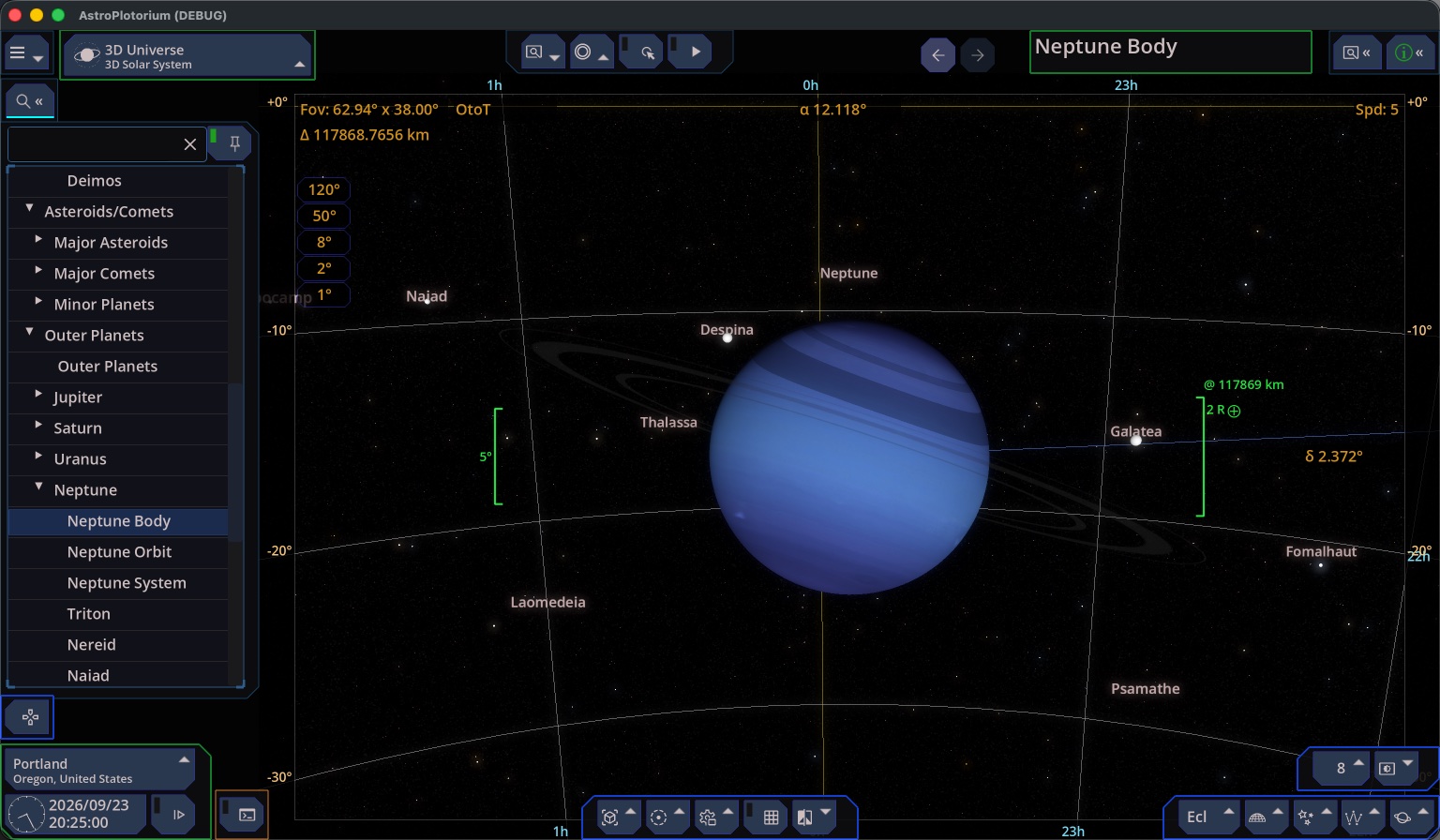
Select a body, an orbit, or a whole system (for example Jupiter with the Galilean moons, or the inner planets together). From Sun puts the Sun at the center of the view. From Earth puts you with Earth. From Above looks down on the orbit. Orbit circles the selected body.
Camera follows keeps the Sun or the Earth under the camera while you play time, so you can watch moons move without the planet leaving the frame.
Surface drawings, when the body has them, include shading, a texture, a latitude and longitude grid, and the field models (magnetic field, Van Allen belts, bow shock, magnetopause). Rings are drawn for the planets that have them.
Compare places the Moon, Earth, Jupiter, or the Sun beside the selection as a size cue. The comparison body is a scale reference in the scene. It is not a second ephemeris object at a catalog position.
See The selected target.
2D Solar System chart
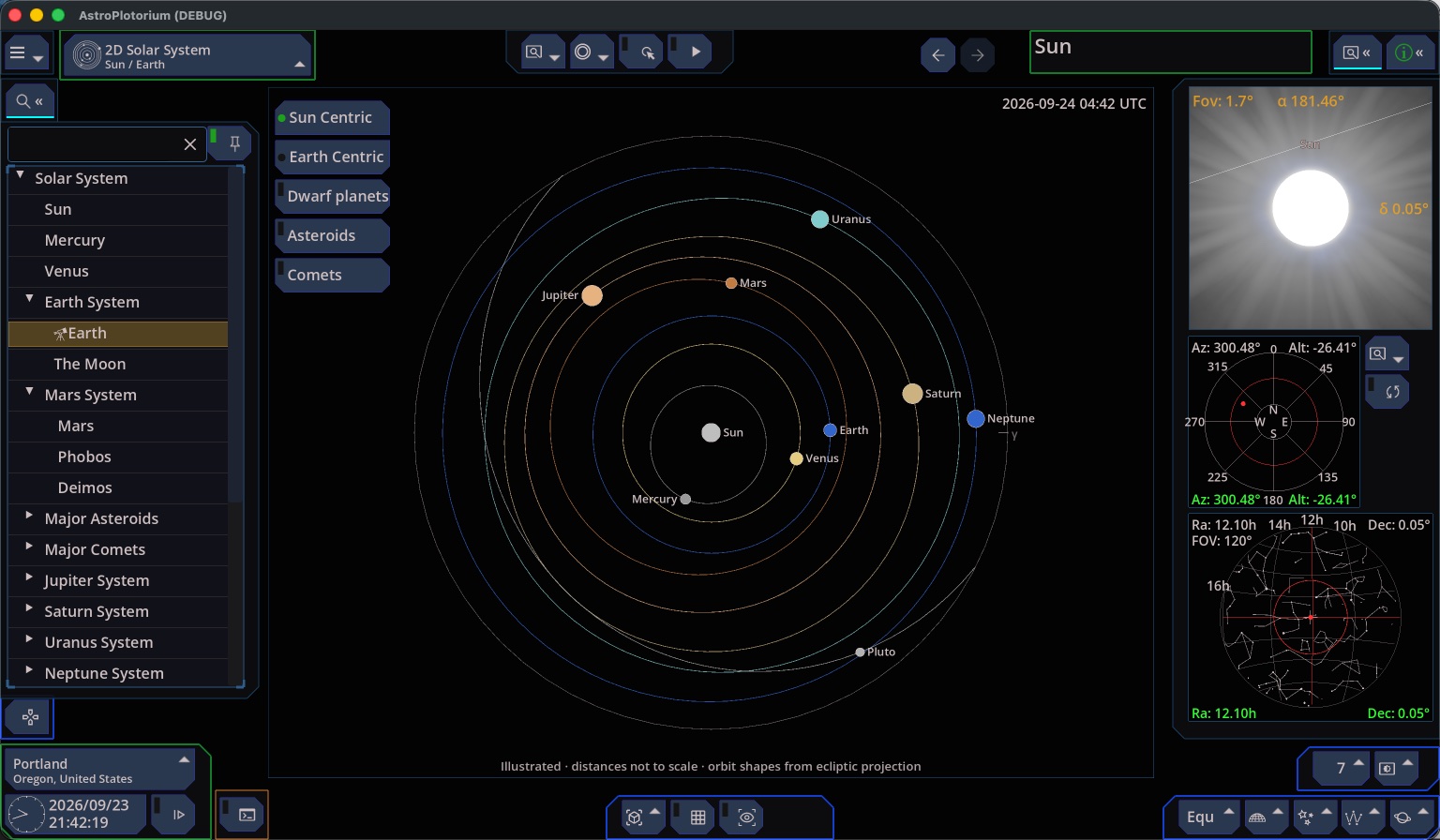
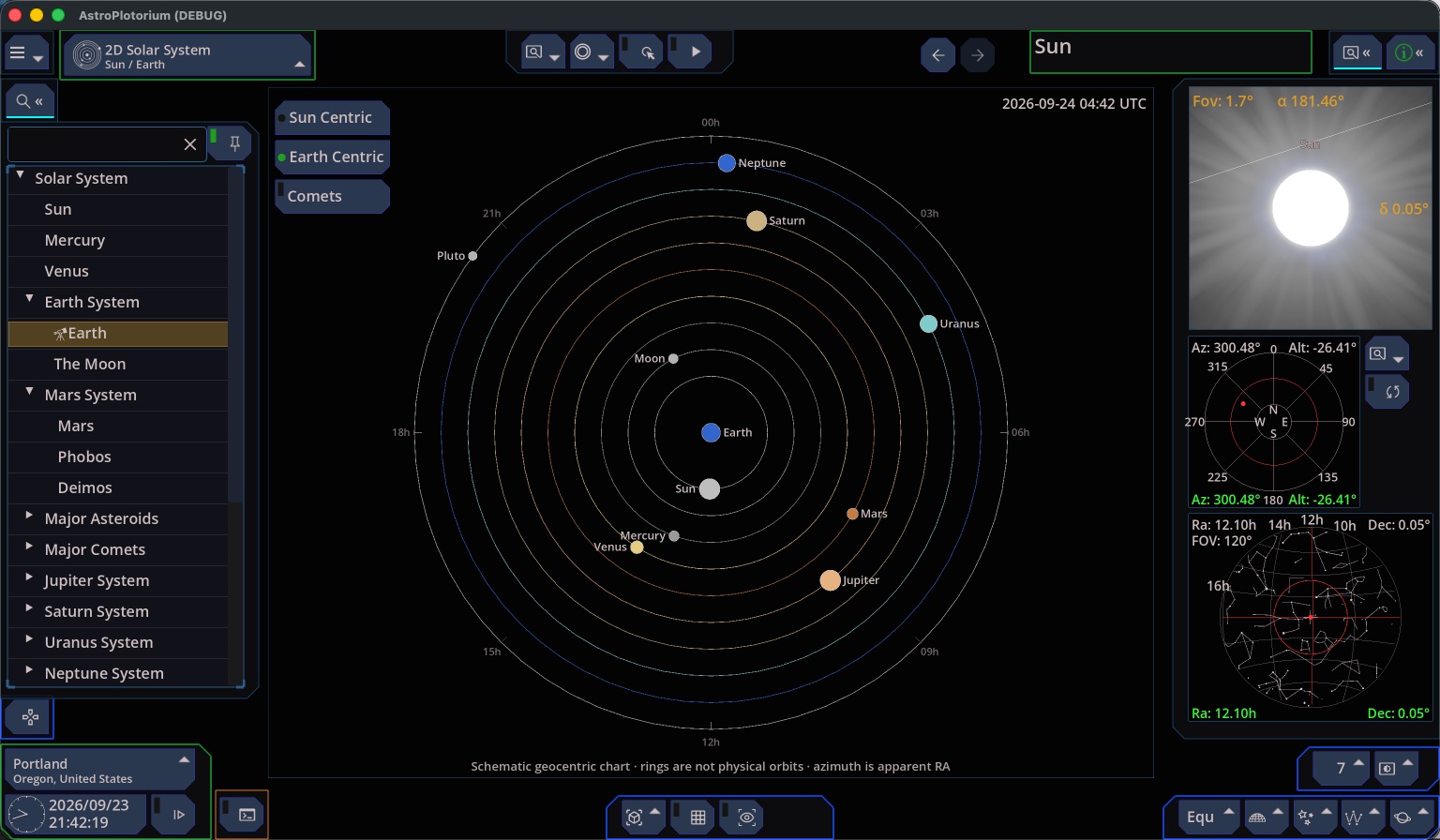
Open 2D Solar System from the Main View menu when you want a one-glance diagram of “where the planets are” rather than a flight through space.
Read the caption on the chart.
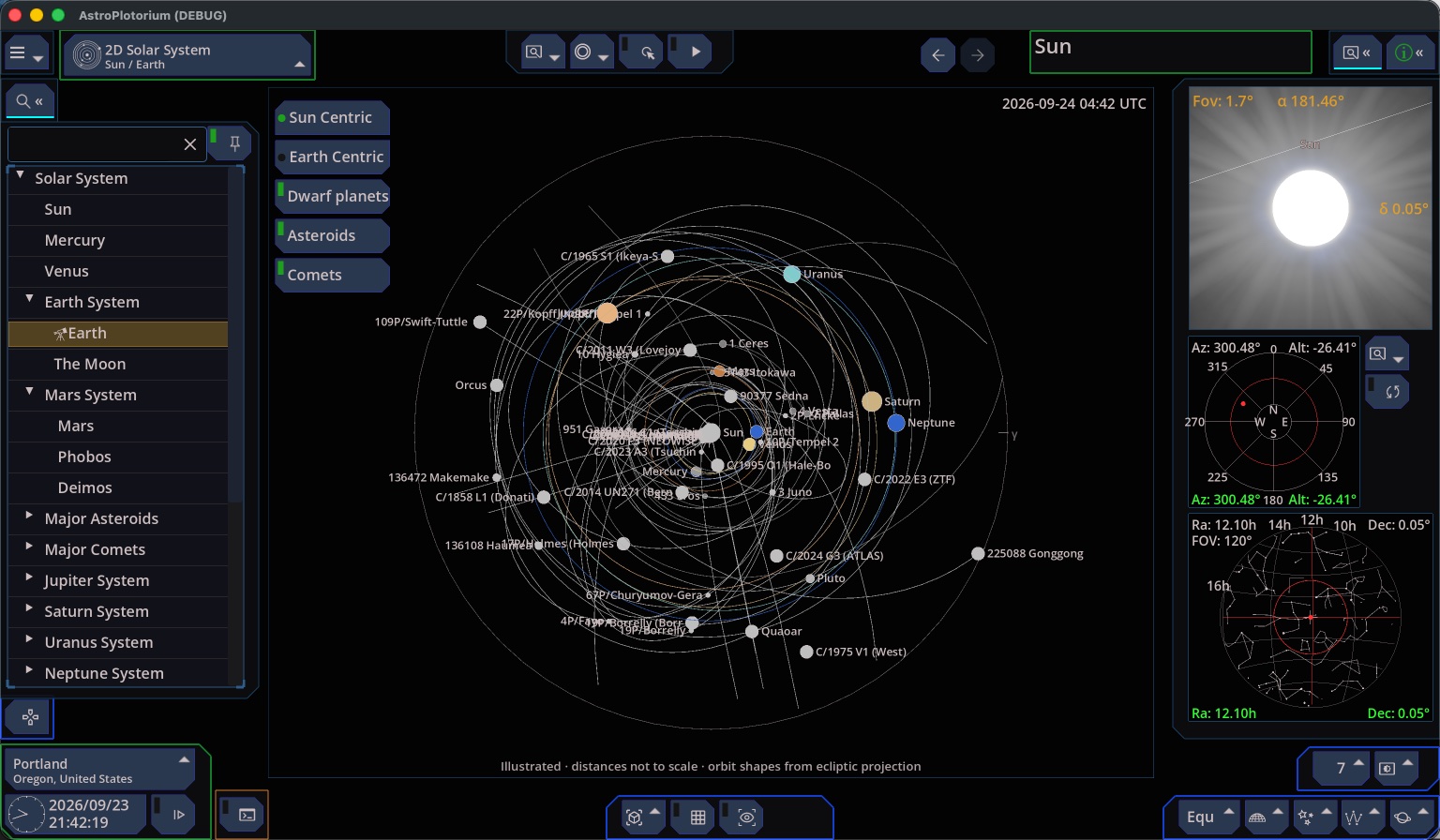
- Sun-centered: the shapes of the orbits are the real ecliptic projection. The gaps between orbits are adjusted so Mercury is not hidden under the Sun’s marker. Do not measure AU with a ruler on this chart.
- Earth-centered: the rings are a schematic of direction in right ascension. They are not the orbits.
On-chart controls switch those two modes and choose which extra bodies (dwarfs, asteroids, comets) are marked.
Use “[”/“]” key to control the time, and see how planets move.
Earth Centered
Comets/Asteroids/Dwarf Planets
Below the horizon
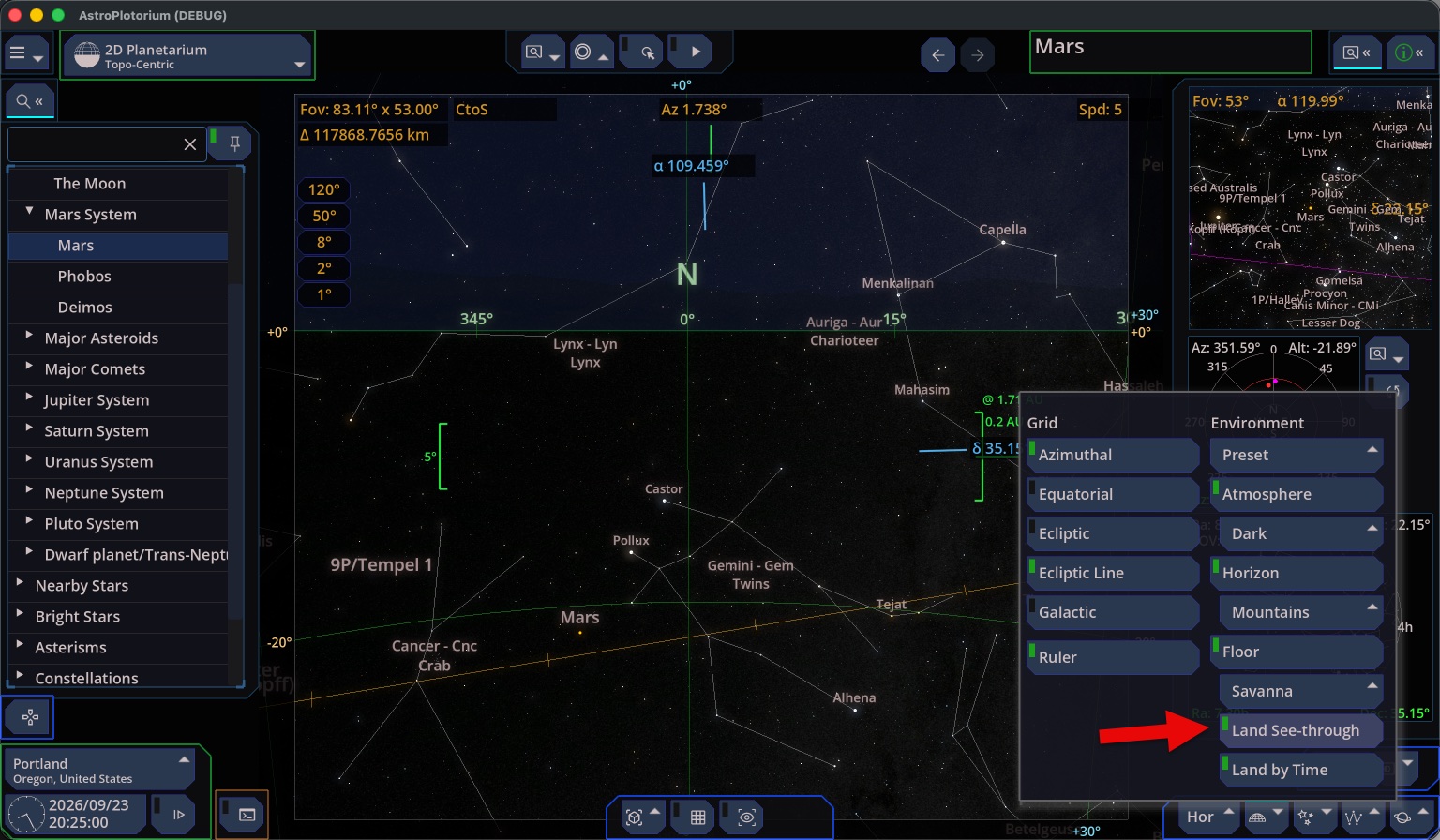
In the planetarium, a planet that has not risen is behind the ground. Land See-through, or a time step, shows it. The ephemeris table lists rise and set for the local day so you do not have to hunt.
See-through option: Off
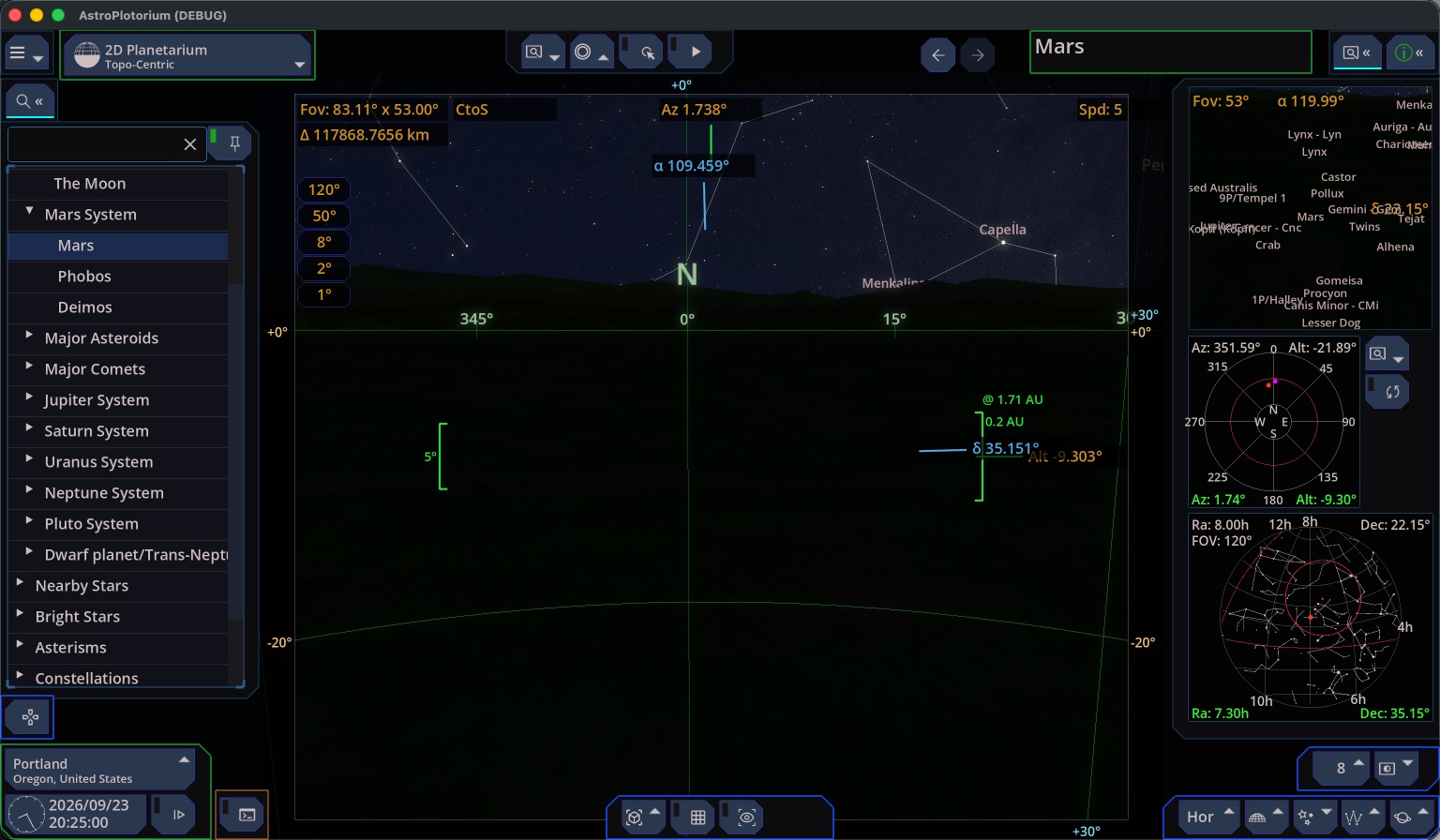
See-through option: On