AstroPlotorium User Manual
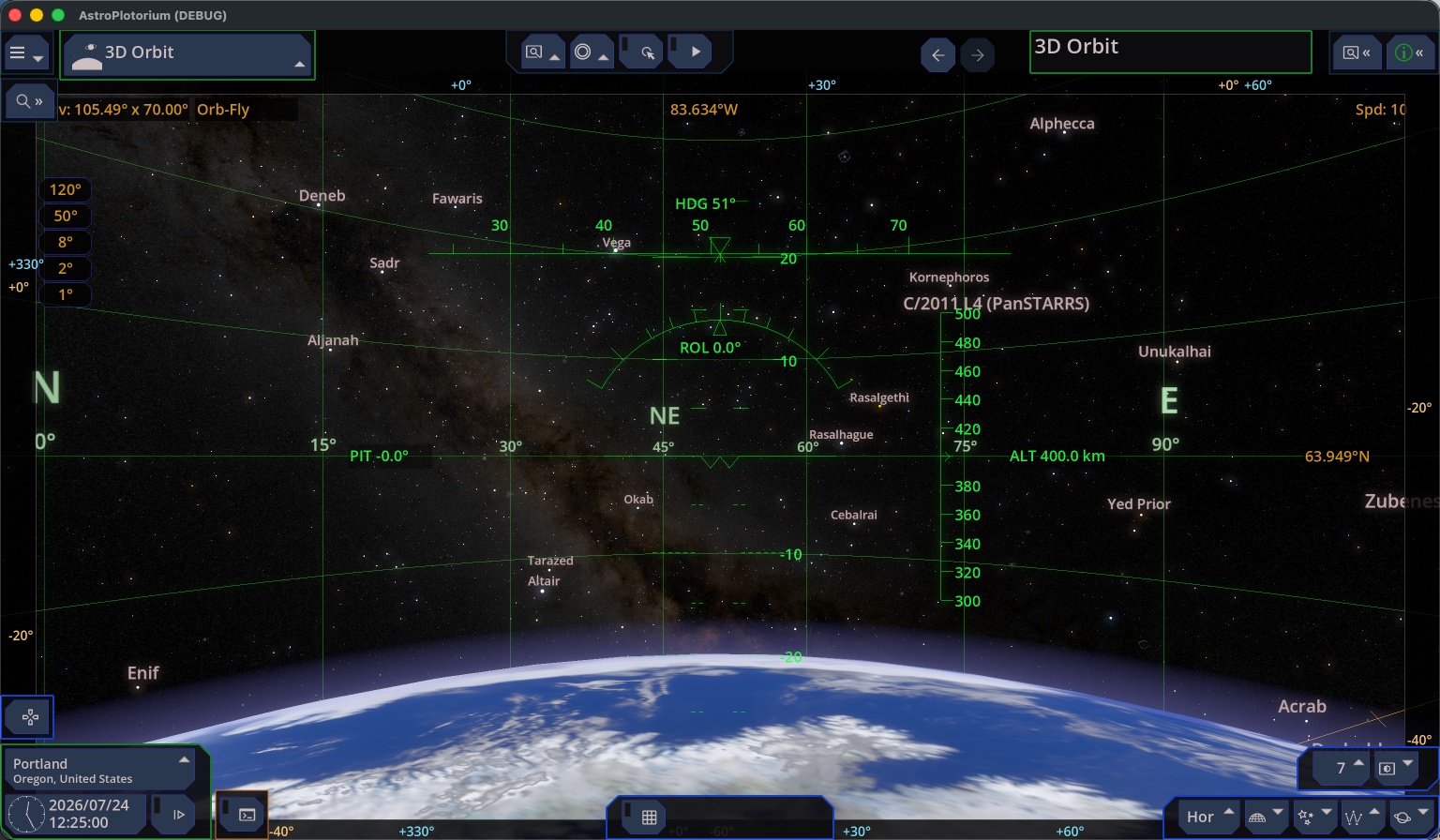
3D Orbit is the view from altitude above the body you are looking from. The globe fills much of the frame, the atmosphere is a limb glow, and the stars are the sky dome around that limb. It is not the planetarium. The planetarium camera stands about eye height on the ground. 3D Orbit starts near 400 km on Earth.
Your site’s latitude and longitude still place you. Hover keeps the camera over that place while the body rotates. The floor and the mountain panorama are off. You are above them.
Flying
- While you hover,
WandSchange altitude.A,D,R, orFstarts a flight along the shell. - In flight,
RandFmove along the track,AandDturn,WandSstill change altitude, andQandEbank. - Arrow keys and the mouse look around. They do not steer the ground track.
Zlooks forward along the track and levels the roll.- Shift+
Zturns the ship toward the direction you are looking, so you can fly toward an object that is currently below the horizon and watch it rise. - Altitude stays between 50 km and 500,000 km.
Ushows the flight tapes: heading, pitch, roll, and altitude.Kshows the angular scale.
The information line shows longitude and latitude under the camera, the field of view, and speed.
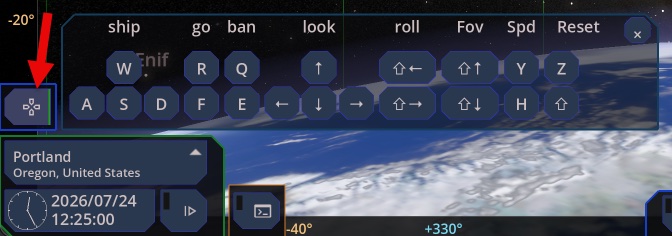
Use the keyboard help popup.
Station-like track
An option follows a simplified circular ground track: inclination 51.6°, period about 92.7 minutes, near 400 km. It is a teaching stand-in for a low Earth orbit. It is not a live satellite element set, and it does not include drag or a real station timeline. It is available for Earth.
Other bodies
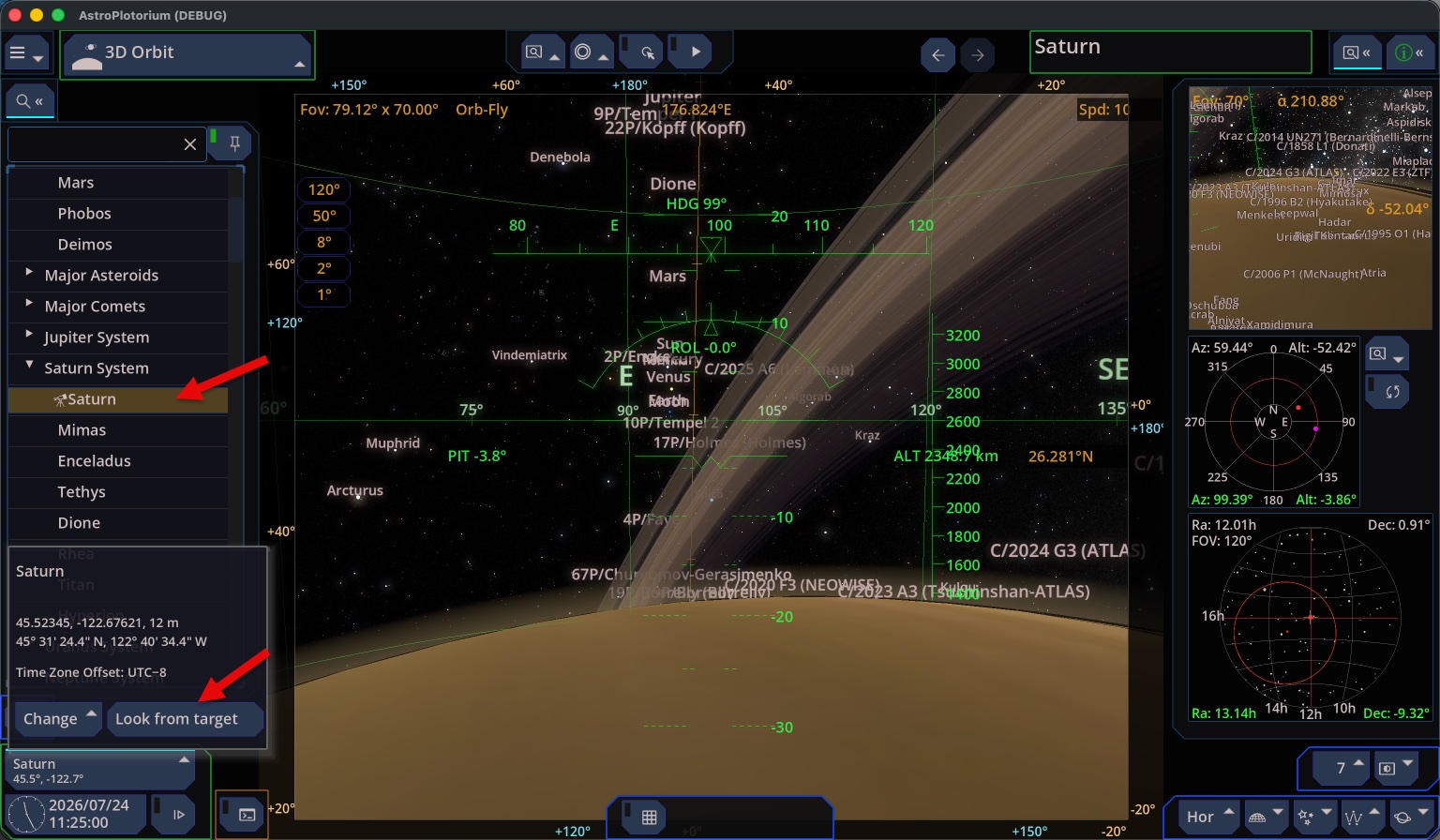
If you Look from target on the Moon or another planet and then open 3D Orbit, the globe is that body. The default altitude scales with the body’s radius. The station track stays an Earth option.
The latitude and longitude grid in this view is drawn on the globe, and it includes the rotation axis. G toggles it.