AstroPlotorium User Manual
V(Photo View)
Open the home menu. Screenshot offers three saves. F4 saves the first of them.
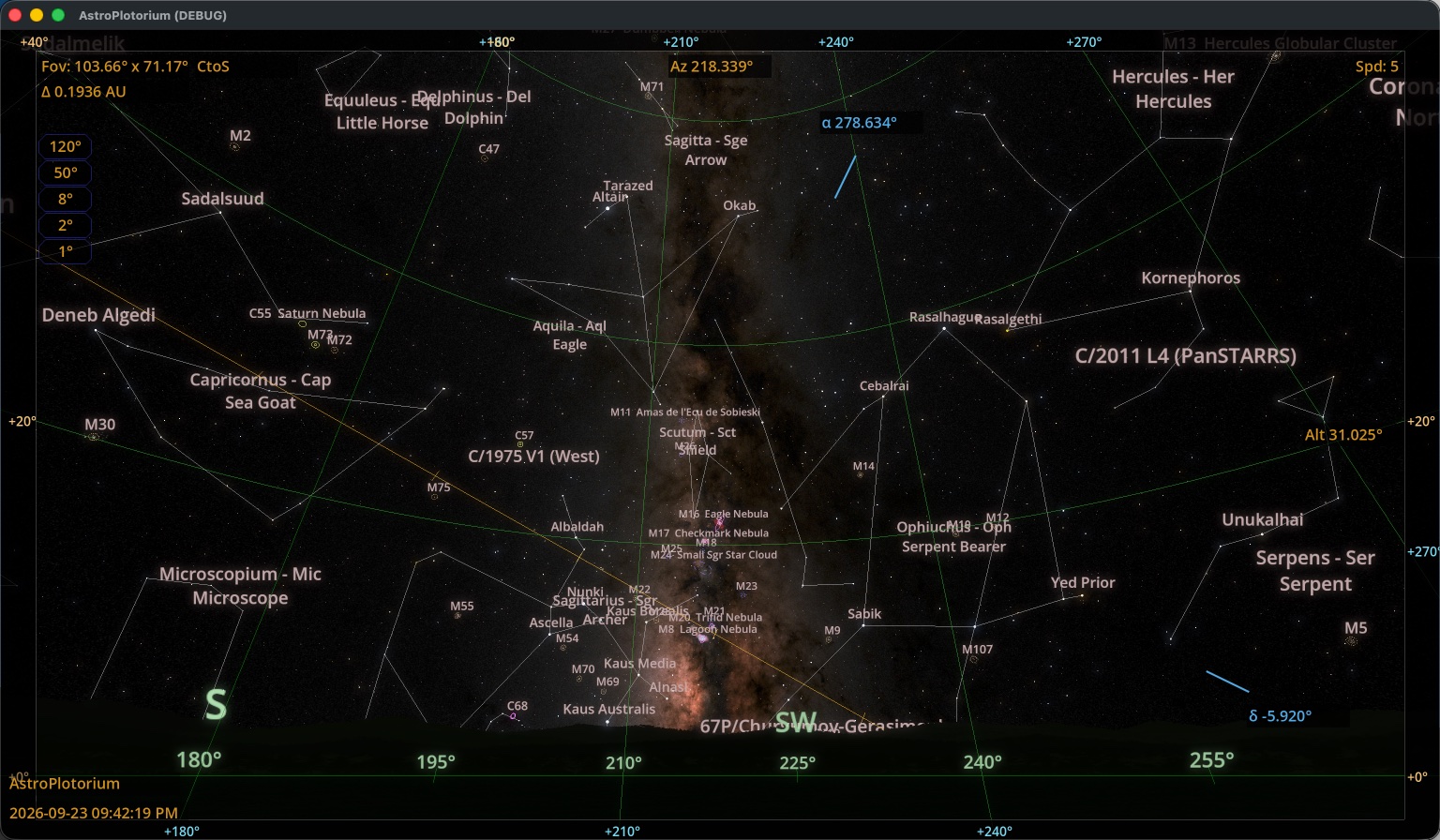
- Save Screenshot. The sky with labels and grids, without the side charts.
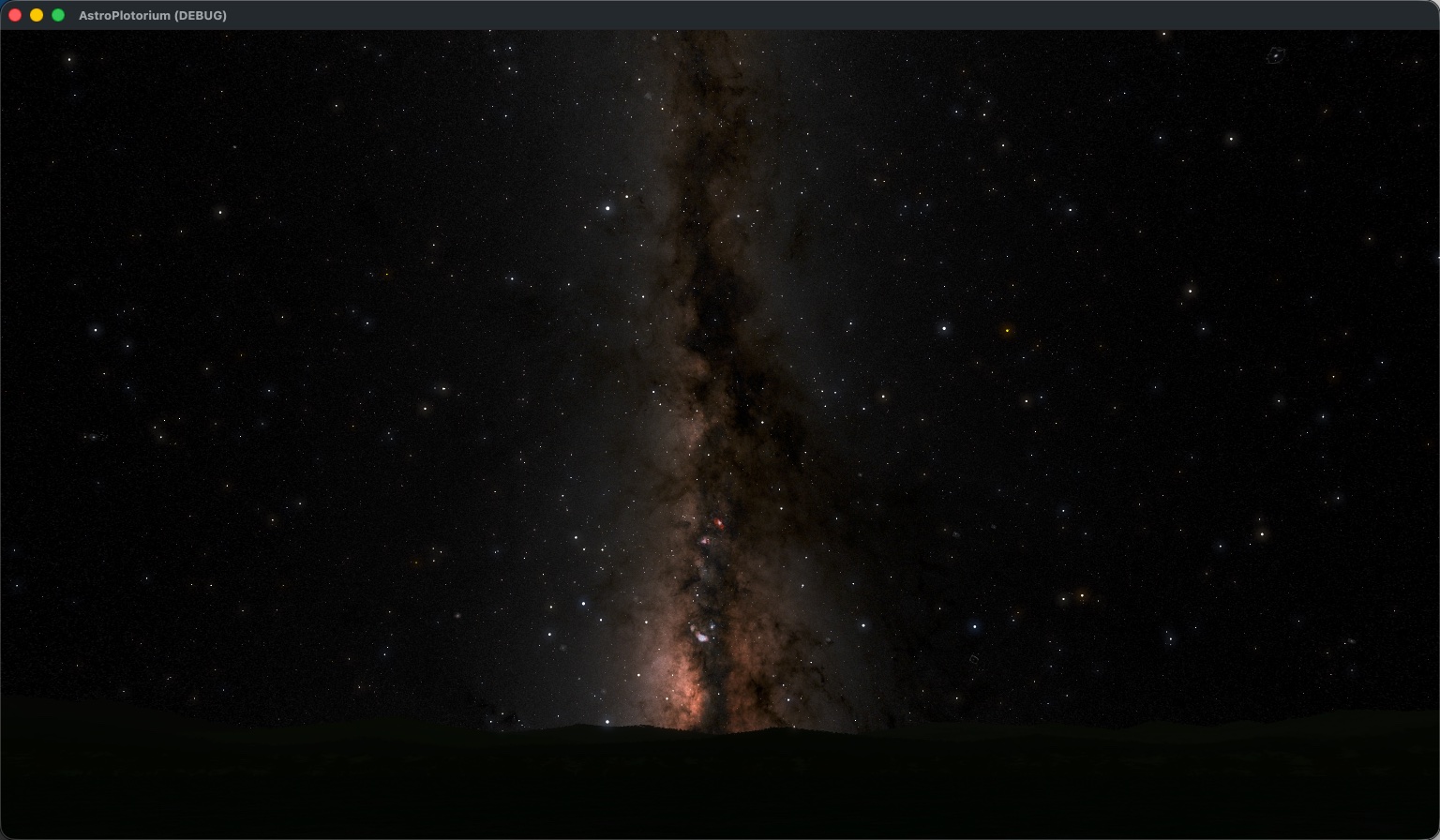
- Save Screenshot (Photo). Labels and grids hidden, closer to the photographic sky.
- Save Screenshot (w/Charts). The view plus the secondary 3D pane and the polar and planisphere charts when those are on.
Files are PNG images in your user folder, under screenshots. Open user folder in the home menu shows that directory in the system file browser. The path is on this computer. It is not a cloud album.
Presentation
Press P when you want the sky large and the toolbars gone, but you still want the app name, the clock, and a script caption. Presentation: w/charts in the view menu keeps the side column. A running script can also start in presentation from the console. The corner control that appears while that is active leaves presentation and stops the script.
Photo Real (V) is the stricter full-screen sky: panels, captions, and charts go away. Use Presentation to teach. Use Photo Real to look.
P(Presentation)