StitchSketchEx is the upgraded version of popular KG-Chart/StitchSketch, for those who want to design a chart for Cross Stitch, Knitting Pattern, Pixel Art, and more!
Overview
Design your own chart for craft works such as: Cross Stitch, Bead Weaving, Iron Beads, Knitting pattern, Color Knitting, Pixel Art, and more!
This is also suited for drawing “dotted” pictures (Pixel Art), such as icons in low resolution.
StitchSketchEx is developed by a creator of the popular software program “KG-Chart for Cross Stitch” and “StitchSketch”.
This new upgraded version has more functionality and cross-platform support: iOS, Android, Mac, Windows.
System Requirements
- MS-Windows (Windows 11+)
- macOS 13.5+
- iOS 15.6+
- Android 8+ (Level 26+)
- Amazon Kindle
Features
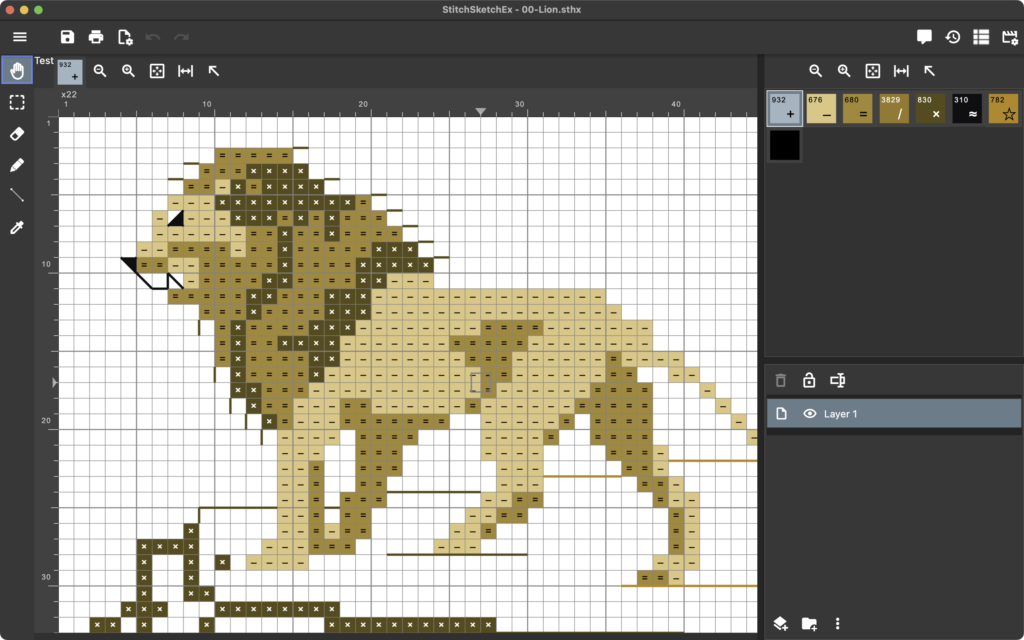
- Draw chart with a symbol in a cell
- Maximum chart size is 500 x 500
- Vector Drawing (Backstitch, Fractional Stitch, Hardanger)
- Generic color palette and Color Charts (palette) for: DMC(R), DFT, Anchor, Olympus, COSMO, Delica, Toho Best, Perler(R) Beads
- Knitting Symbols (Amizu Kigou (JIS)) for designing knitting pattern
- Rectangular cell size
- Peyote, Brick cell
- Drawing tools: Pencil, Rectangle, Ellipse, Flood Fill, Text
- Selecting Tool: Selection and Cut/Copy/Paste/Rotate/Flip/Stamp
- Edit colors and symbols
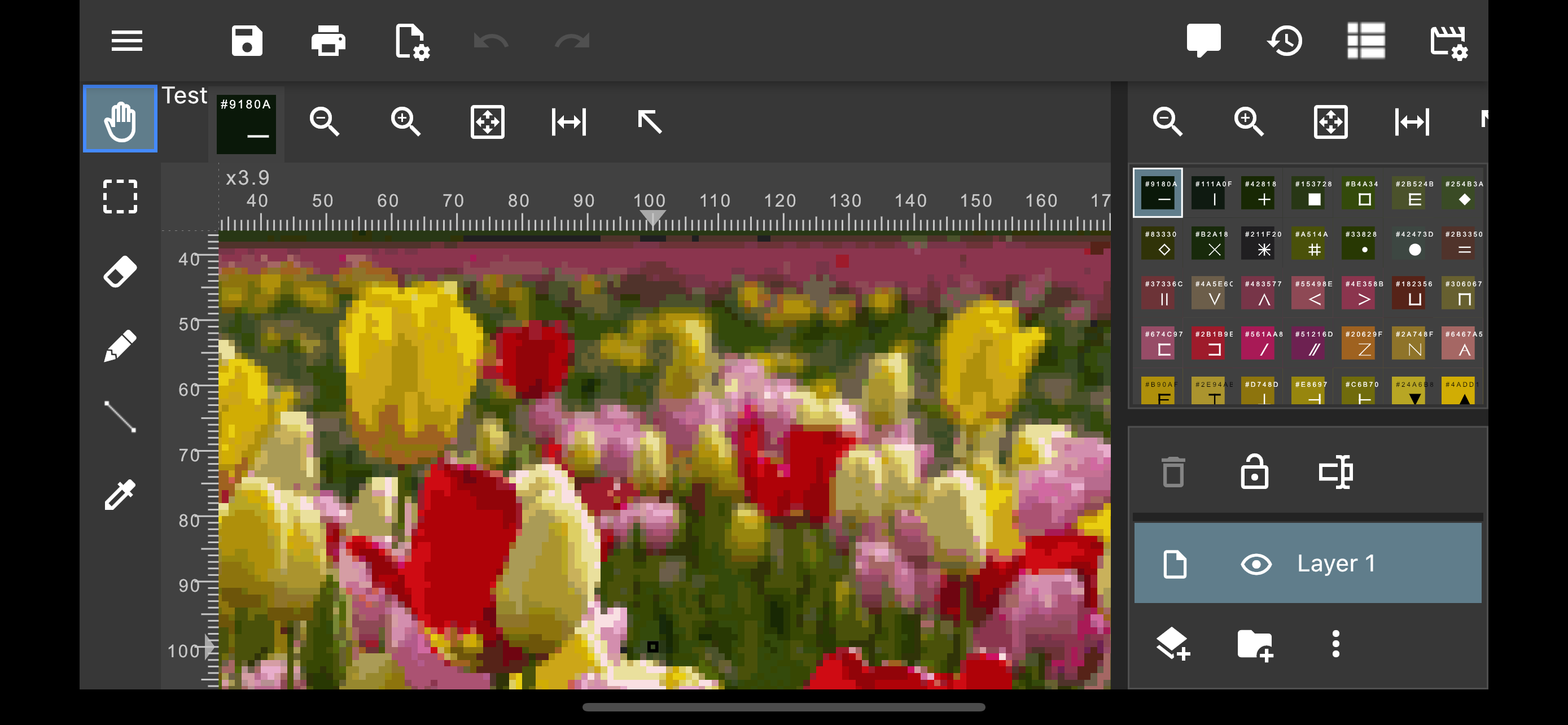
- Convert your photo into a chart
- Generate a chart in PDF for emailing or printing.
- Organize charts with thumbnails
- Can load legacy files including KG-Chart (sth/sthbw) and StitchSKetch (sthmb).
Screens
Copyright
Copyright (C)2025 Keiji Ikuta / Mozusystems, LLC
All rights reserved.
The copyright of the software StitchSketchEx” belongs to the author, Keiji Ikuta.
You may not reverse-assemble, reverse-compile this software.
LIMITATION OF LIABILITY: The author shall not be liable for any damages whatsoever arising out of the use of this software.
Please don’t use this software for critical purposes.
Articles
 StitchSketchEx 101.1 – Creating a new chart (8/17/2025) – I’m going to explain how to create a new chart for Cross Stitch. When the App started, the file manager page is shown. Click on a “New Chart” button, which is located at the right bottom of the page. You could use the App menu button (On the Top Left) to open the App drawer, […]
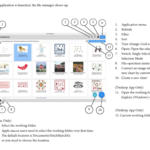 StitchSketchEx Users Manual (8/17/2025) – You can view the manual from here: https://indd.adobe.com/view/db27494d-4ebd-4798-be39-596e2c998233 You can download a PDF. Just use the “Download PDF icon”
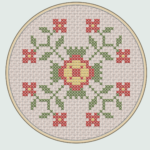 StitchSketchEx ver 1.2 Coming soon (8/17/2025) – Various bug fixes and feature enhancement version is coming soon. The one of the major enhancement is the new real mode. Here are some examples: Real cross stitch images Hardanger Stitch, with cut-outs. Beads
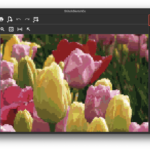 StitchSketchEx 101.2 – Converting an image into a new chart (8/17/2025) – Here is how to convert an image into a new chart. When the App started, the file manager page is shown. Click on a “Convert from a picture” button, which is located at the right bottom of the page. You could use the App menu button (On the Top Left) to open the App drawer, […]
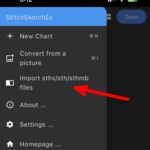 Migrating StitchSketch file to StitchSketchEx (8/17/2025) – Here is how to export/import the chart files on StitchSketch (*.sthmb) into the new StitchSketch Ex App file (*.sthx). This process requires a cloud drive setup on your device (e.g. iCloud, Google Cloud etc.) On StitchSketch, in the Gallery page, select a chart you want to upload, and from the bottom toolbar, click on the […]
How to get the App?
StitchSketchEx Mobile for Android

StitchSketchEx Mobile for Amazon Kindle

StitchSketchEx Mobile for iOS
StitchSketchEx for Mac
StitchSketchEx for Windows – 7 days free trial available.