StitchSketchEx User Manual
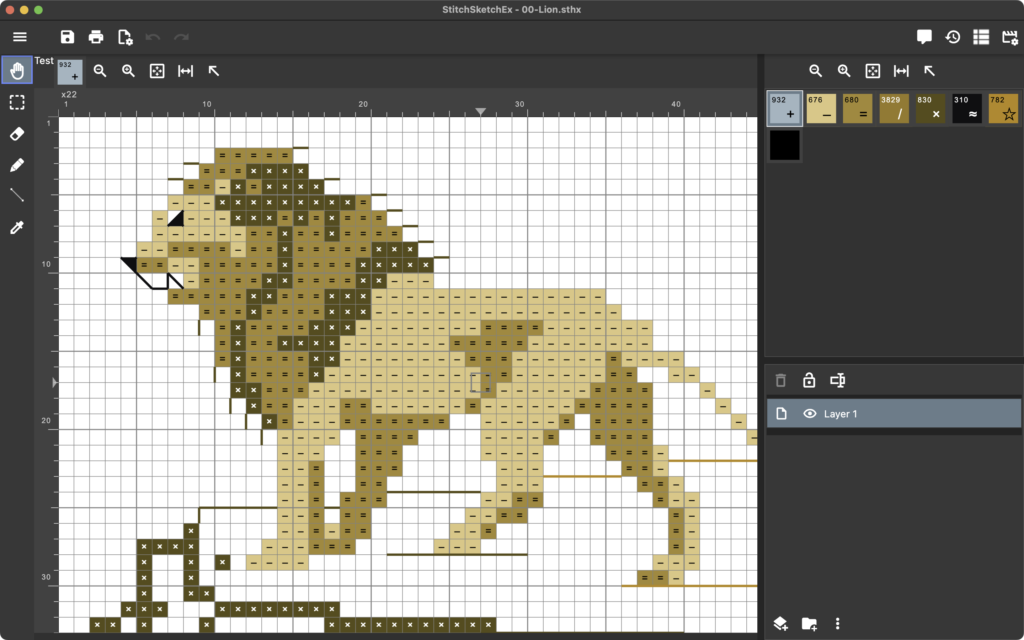
This sample task page mirrors the kind of step-by-step walkthrough you described.
Steps
- Open the app and go to the file manager.
- Click New Chart.
- Choose chart settings such as size, palette, and grid style.
- Save the chart to start editing.
Screenshot guidance
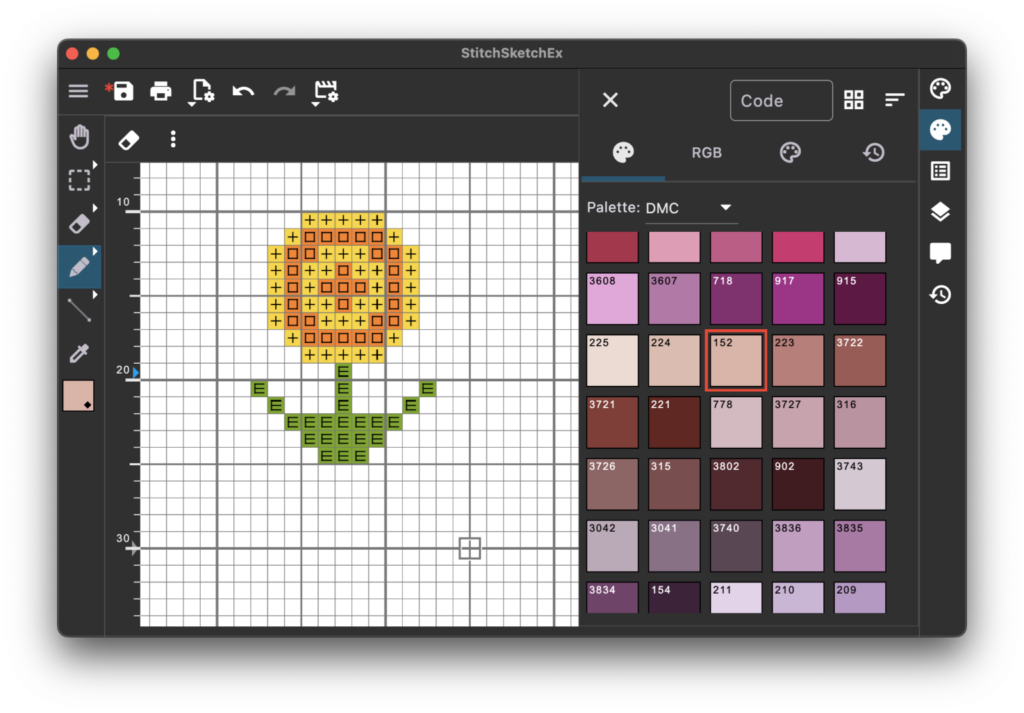
- Use one wide screenshot when the whole screen matters.
- Add a second screenshot when the user needs to compare before and after states.
- Keep captions or callouts close to the image they explain.